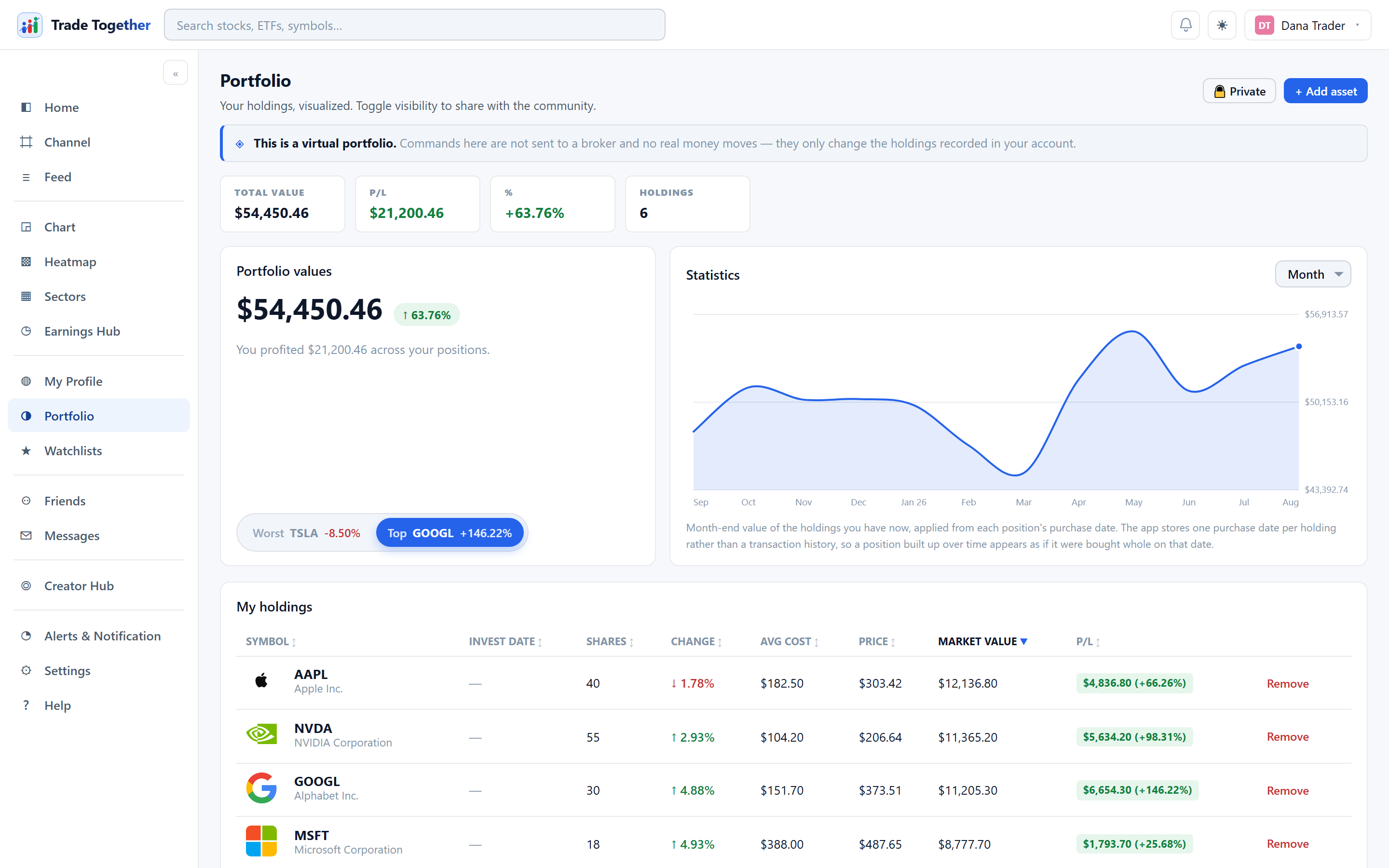
An alert that watches one price and one direction — and says so
Pick a symbol, a price and a side: above or below. The server checks it against the live quote and tells you once, in the app, when it crosses — and optionally by email or text if you have given an address for that. An alert is a fact about a price, not an opinion about a company, which is why the app will not dress it up as one.
- Above or below, on any symbol you can chart
- Checked by the server, so the app need not be open
- Fires once and says which price it saw
- Email and text delivery are optional, and off until you switch them on
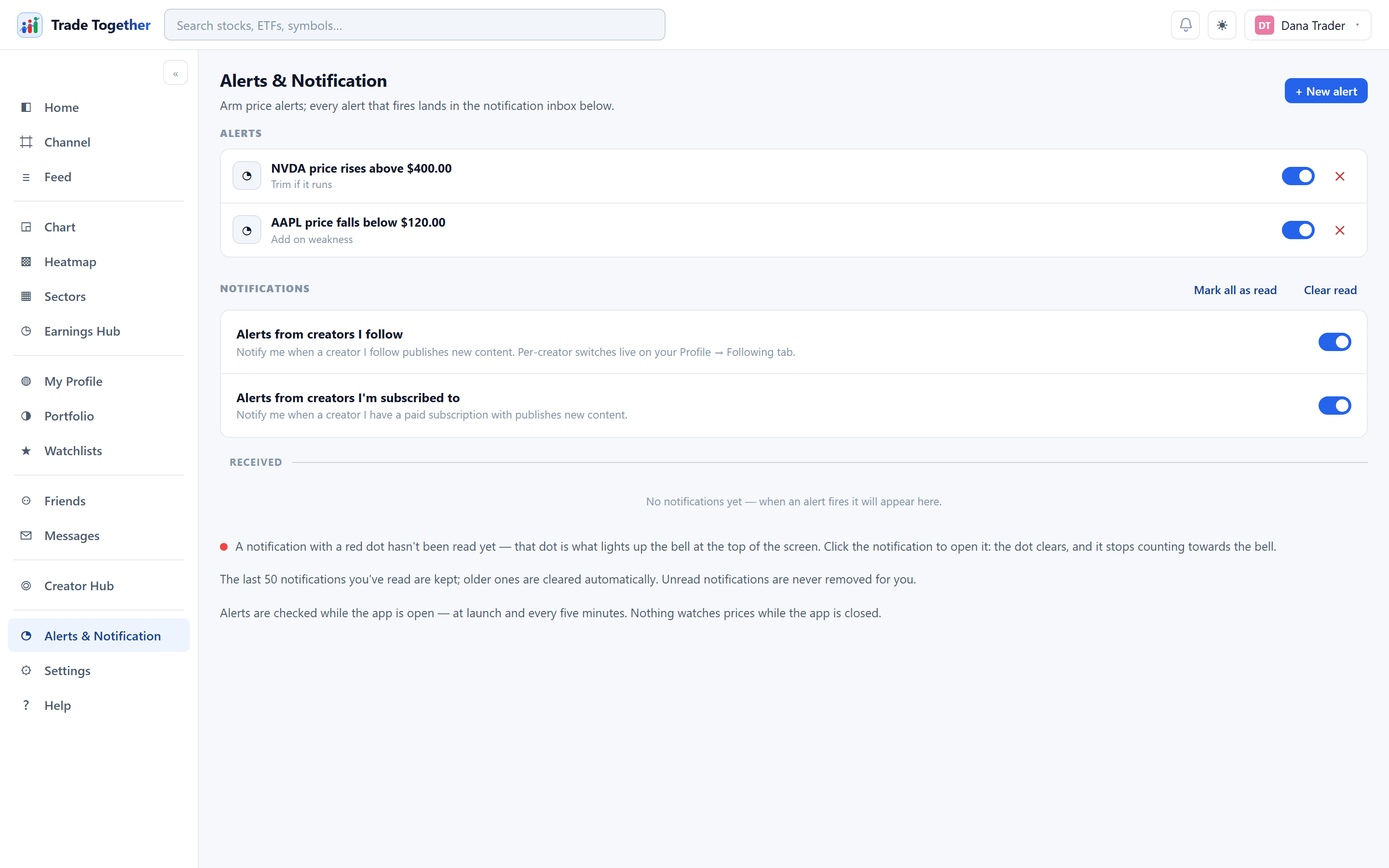
Your earnings week, before it happens
The Earnings hub shows every company that reports this week — and marks the ones you hold or watch. Beat, missed or in line after the fact; the date and the time of day before it. On the chart, each report is a badge on the day it landed, so a gap you see has its reason next to it.
- This week's reports, yours marked
- The result — beat, missed, in line — once it is in
- Reports and dividends drawn on the chart itself
- News about your companies, tagged with the symbol it is about
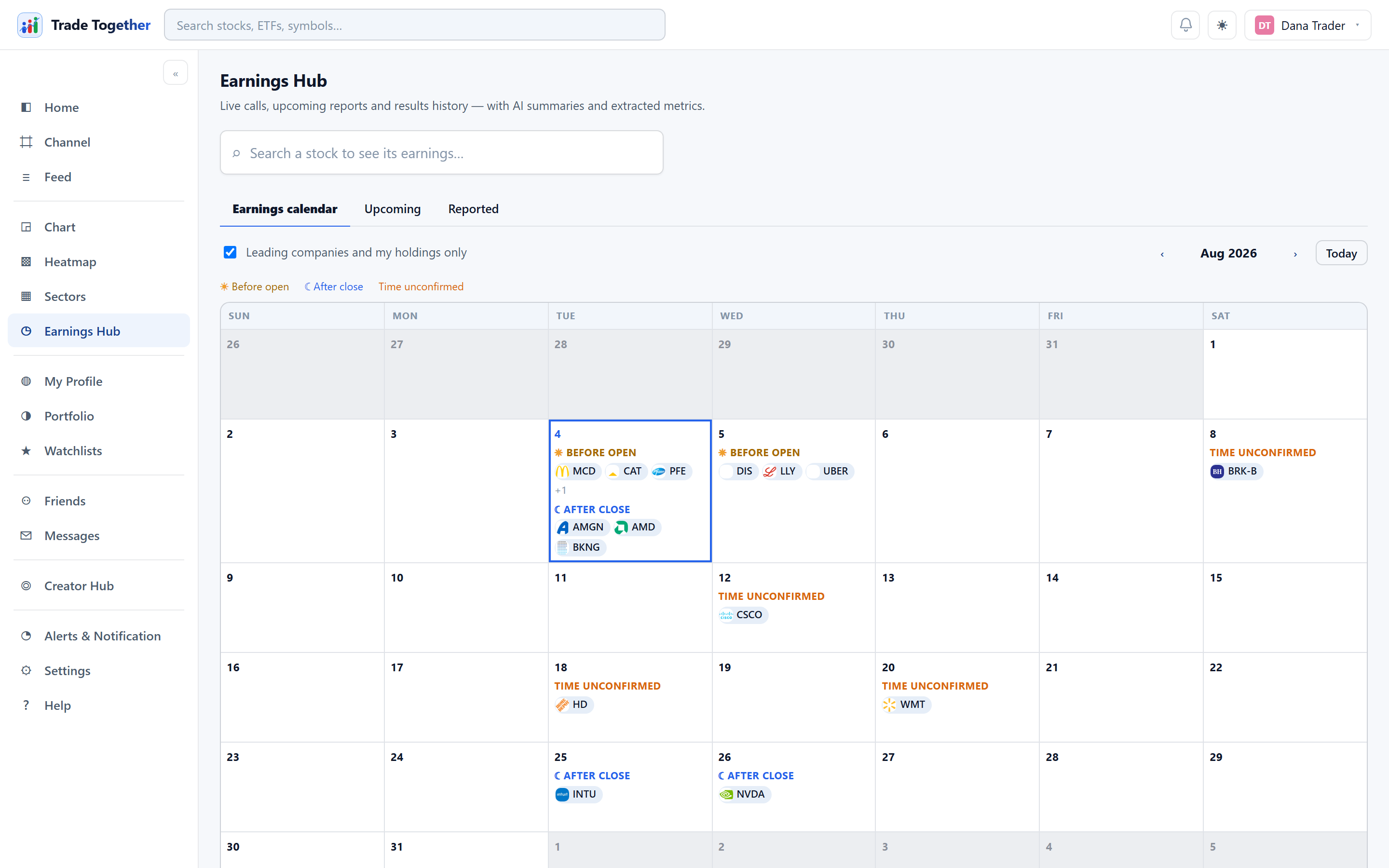
Lists that follow you to every device
As many lists as you like, each private or public on its own switch, kept on the account rather than in one browser. Add a symbol from the search box or from any chart; take it off with one tap. The same lists open on the phone.
- Unlimited lists, named by you
- Public or private, each on its own
- Synced to the account — not to one device
- The same lists in the web app and the phone app
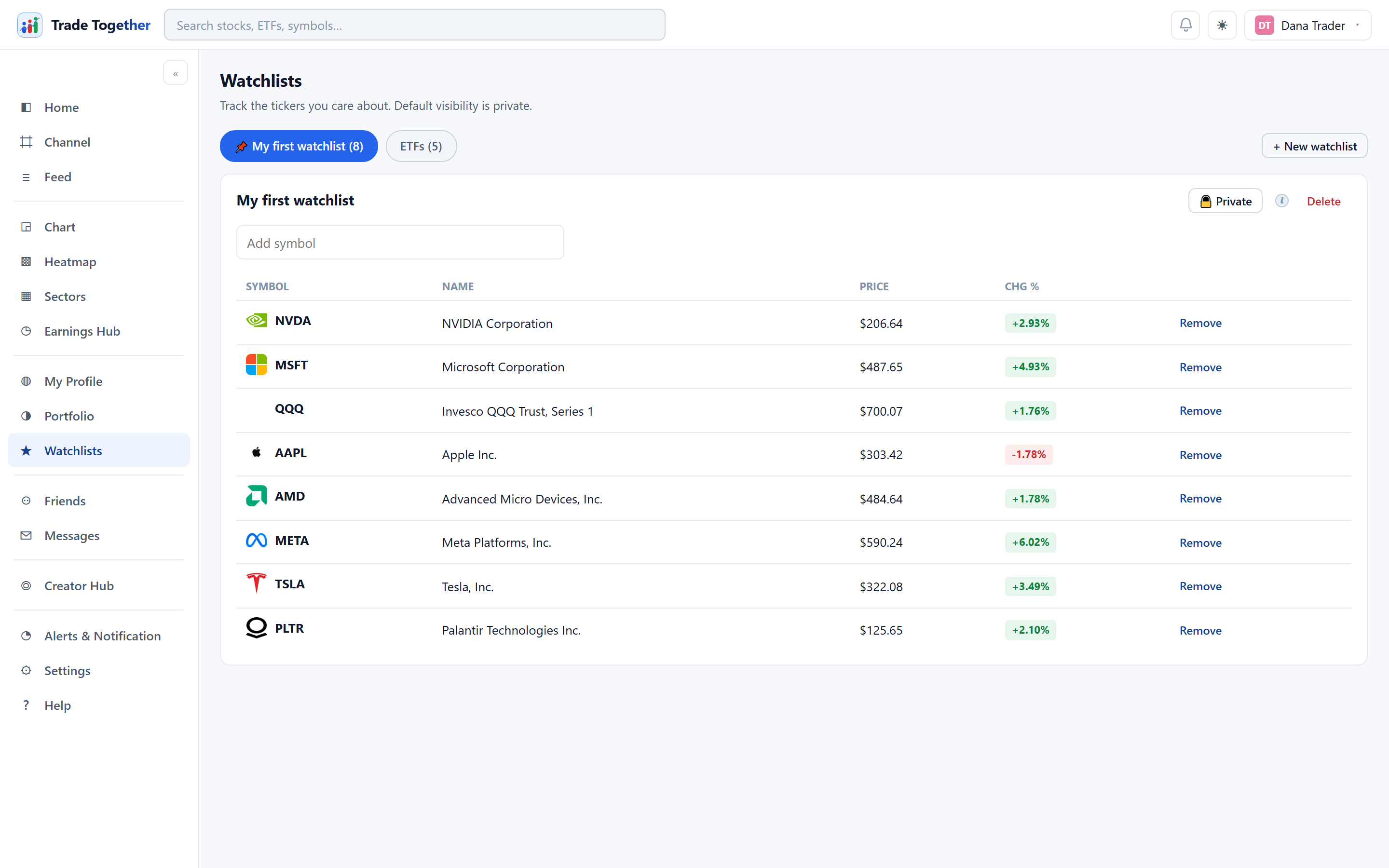
One place to watch it, in about five minutes
Record what you hold
Symbol, shares, the price you paid, the date. It is tracked from that moment — and marked as not verified, because we did not see the trade.
Set one alert
A price and a direction on the company you think about most. The server does the watching.
Read what is about you
The feed shows news tagged with your companies; the Earnings hub marks your reports this week.
Four lessons for someone who already holds
No account needed to read them.
Before you start
Can I import my holdings from my broker?
No, and on purpose. You type them in — symbol, shares, price, date — and the app prices and tracks them from there. There is no broker connection to import from, which is also why there is no broker login to protect.
What does “not verified” mean next to a position?
That you recorded it rather than placing it through SigniBull. It is tracked and priced like everything else; it simply does not count toward your verified record, because the app did not see the trade happen.
Do alerts reach my phone?
In the app, yes, whenever you open it. Email and text delivery are optional: give an address or a number in Settings and switch it on, and clear it whenever you like.
Which markets can I track?
US-listed stocks and ETFs, with live quotes. If you can chart it on SigniBull, you can hold it, watch it and alert on it.
Can I have more than one watchlist?
As many as you like, each private or public on its own switch, and all of them synced to your account rather than to one device.
Does anyone see my holdings?
Not unless you make the portfolio public. It is private by default, and the switch is yours.
Is there a phone app?
The web app works in a phone browser today, with the same lists and alerts. The iOS and Android apps are in preparation.
Free. No broker login. Your portfolio stays yours.
Every quote, every alert, every earnings date, for every member. Record what you hold and let the app watch it.
Start tracking — free